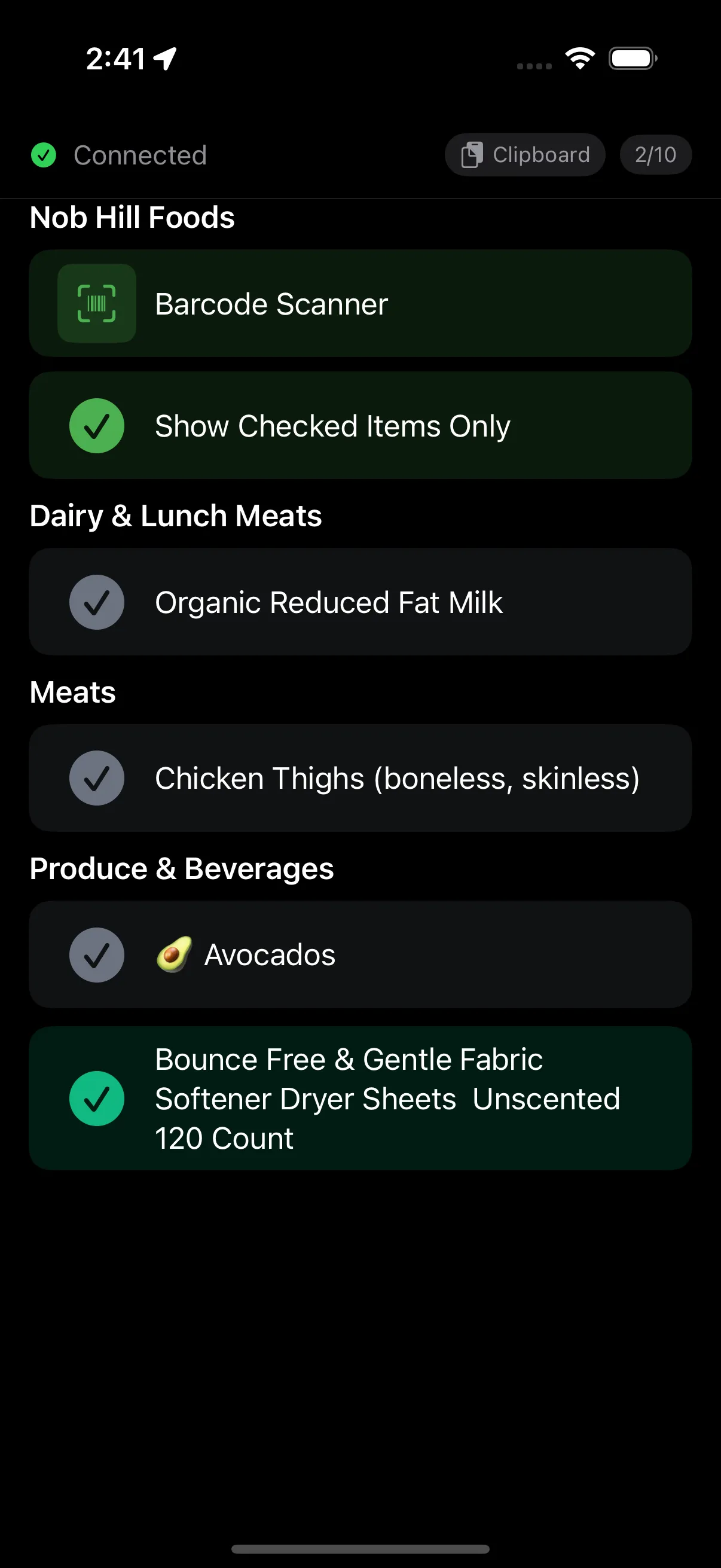
Scan product barcodes to build checkable shopping lists. Works at any store — just point your iPhone camera and the item appears on your list.
Tap, point, done.
Tap a scan button on your iPhone. The camera view opens with a scanning overlay.
Point your camera at any barcode or QR code. Detection is automatic and instant.
Scanned data is sent to your Mac — injected as text, added to a list, or opened as URL.
10 barcode formats. If your phone camera can read it, PromptDeck can scan it.
URLs, text, contacts
Shipping, logistics
Inventory, ID badges
Small products
International products
US retail products
Compact US codes
IDs, boarding passes
Tickets, transit
Electronics, parts
When a scan button lives on a specific page, the scanned barcode is sent to your Mac with that page's label as context. The host knows where the scan happened and routes it accordingly.
Scan a product barcode and PromptDeck looks up the name automatically.
Product names resolved via UPCitemdb. Works out of the box with the anonymous trial endpoint.
Register for a free API key (100 lookups/day) and store it via Manage Secrets as upcitemdb-api-key.
Scanned products are cached locally for 30 days. Repeated scans don't count against the API limit.
Anywhere you need to capture physical-world data.
Grocery Shopping
Scan UPCs to build lists
Inventory
Track assets and parts
Conference Badges
Capture contact info
ISBN Lookups
Build reading lists
Quick URL Access
Scan QR → open in browser
Text Injection
Scan → paste at cursor